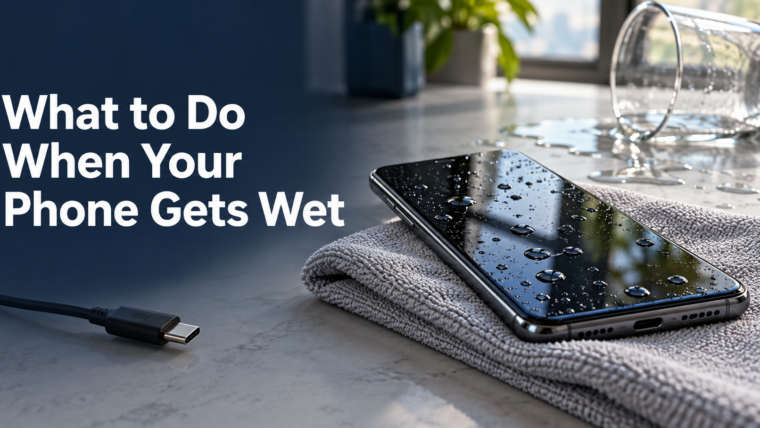

A spilled drink or a sudden rainstorm can leave you wondering what to do when your phone gets wet. The first priority is to stop charging it and avoid actions that could make the problem worse. Whether the phone still works is useful information, but it does not tell you everything about its condition.
Start by separating two situations: a moisture alert at the charging connector and a phone that has been submerged, damaged, or exposed to a sticky liquid. A connector warning has a manufacturer troubleshooting path. More extensive exposure deserves an inspection instead of repeated experiments.
Disconnect the charger and assess the situation
Unplug the phone and stop connecting accessories. If the device is unusually hot, swollen, smoking, or visibly damaged, stop handling it and seek appropriate emergency or professional assistance. Do not try to charge it just to find out whether it survived.
For an ordinary wet exterior, gently wipe away visible moisture with a soft cloth. Follow the manufacturer’s instructions for your exact model. Avoid opening a sealed phone or attempting to disconnect an internal battery without the relevant tools and training.
Write down when the incident happened and what touched the device. A splash of clean water, a sugary drink, and a full immersion are different histories. That information helps a technician understand what needs checking.
Follow the moisture warning instead of bypassing it
Apple’s liquid-alert guidance says to disconnect the cable and allow the connector and cable to dry. It also warns against rice, external heat, compressed air, and inserting objects into the connector. Its drying guidance allows for up to 24 hours in some cases; that is not a promise that an immersed phone is internally dry or undamaged.
Do not treat a disappearing alert as a complete repair report. If the device behaves differently afterward, record the symptoms and stop assuming the incident is over.
Gather useful details before booking service
Instead of describing the phone only as “water damaged,” prepare a short incident note:
- The device model and approximate time of exposure.
- The liquid involved and whether the phone was submerged.
- Whether a charger was connected during or after the incident.
- Any new screen, sound, charging, or camera symptoms.
- Whether important files are backed up.
When contacting Repair My Devices, use that note to explain the problem and ask what inspection options are available for your model. Tell the shop if preserving unbacked-up data is your main priority before authorizing resets or component replacement.
Ask what the proposed work will establish
A useful estimate should explain what can be inspected, what remains uncertain, and when the shop will seek approval for additional work. Ask whether the quoted amount covers diagnosis, cleaning, replacement parts, or only one stage of the process.
Also ask how the device will be tested afterward. Your concern may be charging, but you should mention every new symptom so the handover check reflects the whole incident. Keep the receipt and the technician’s findings together.
Make the next incident easier to manage
Once the phone is safe to use, review your backup routine. Check that recent photographs and important documents are actually available from another device. A backup setting that is turned on is less useful than a backup you have verified.
Store the repair record with the model information. If another issue appears later, the timeline will make the next conversation more precise. The most useful response to a wet phone is a calm sequence of safe actions, clear information, and an inspection when uncertainty remains.
Source note: Apple liquid detection guidance.